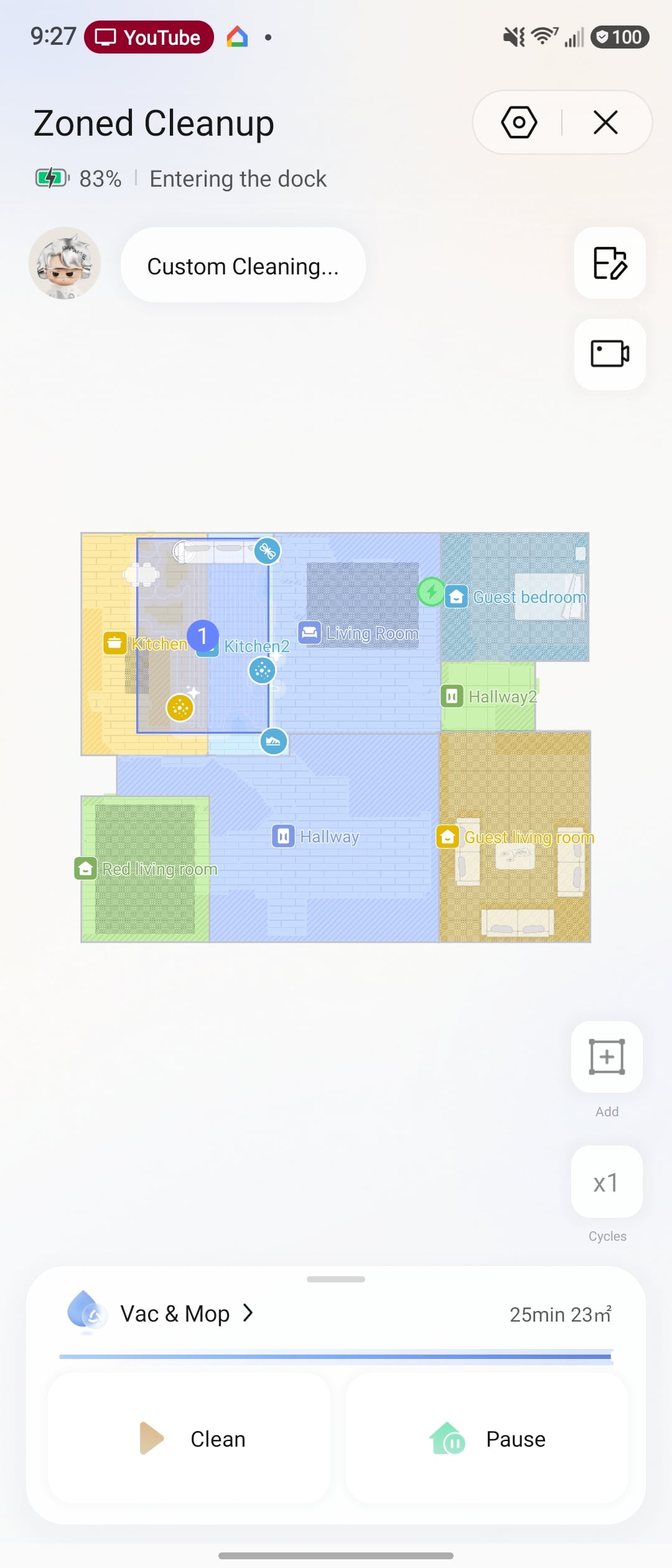
Quick video guide on how to handle map issues with your robot vacuum – check it out above! 🗺️
|

 VQ803912
20 Floor
VQ803912
20 Floor
|
|
|
What's the height gap between the floor and the sofa? Also, did you set that area as a no‑go zone by chance?
2026-8-27 05:17
 US
Translate US
Translate |
|
VQ803912
21 Floor
|
|
UH225567
22 Floor
|
|
|
Please follow these troubleshooting steps: Make sure the base station is powered on — check the rocker switch on the back and confirm the indicator light is on. Check that the adapter plug is secure and not damaged. Re‑insert it. If damaged, try a spare adapter if available. Wipe the charging contacts on both the base and the robot. Place the robot in the base and charge for 2–3 hours, then check the battery level in the app. Make sure the robot is not placed upside down in the base. If the problem still exists, please contact our customer service for repair.
2026-8-27 05:20
US
Translate |
|
RE651452
23 Floor
|
|
|
Thank you for reaching out to us, and we’re sorry for the inconvenience this may have caused. 1. Please check if the robot is suspended in air. If so, move it to a flat surface before operating. 2. If the error persists on level ground, locate the cliff sensor at the bottom or front of the robot and wipe it clean, ensuring no dust or dirt remains. 3.Clear any foreign objects stuck around the drive wheel. Manually press the drive wheel and check if it rebounds with a distinct "click" sound If the issue persists after these steps, the robot may require repair.
2026-8-27 05:24
US
Translate |
|
YQ688234
24 Floor
|
|
|
If the robot is not returning to the charging dock, it may be due to poor contact or obstructions. Clean contacts – Wipe the charging contacts on both the robot and the dock. Clear obstructions – Remove any objects around the dock and place it in an open area. Clean the signaling area – Wipe the dock's signal zone to help the robot locate it.
2026-8-27 05:27
US
Translate |
|
UG382925
25 Floor
|
|
 Pool Boi
27 Floor
Pool Boi
27 Floor
|
|
|
Just to clarify — if none of the special modes (like Global, Mapping, or Dark Mode) are active, the robot will automatically start mapping as soon as it's placed in the water.
2026-9-2 05:24
US
Translate |
|
PV191353
28 Floor
|
|
|
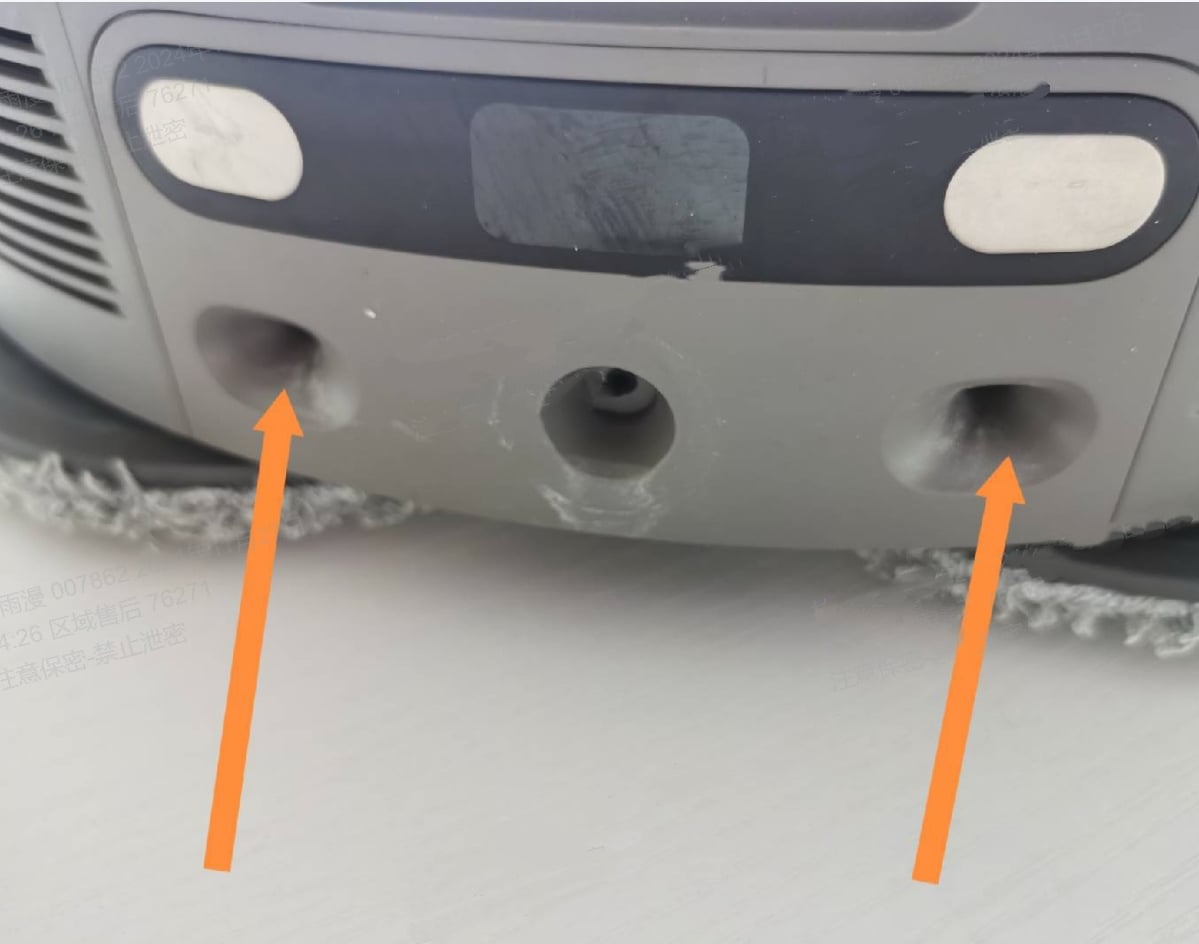
We're very sorry for the inconvenience caused. Regarding the issue of the robot failing to dock, please follow these steps to troubleshoot the docking issue between the robot and base station: 1. Please apply an appropriate amount of grease to the docking position of the base station (as shown in the figure).This will help ensure smoother docking between the robot and base station. 2. After application, ensure any excess lubricant is wiped clean to prevent interference with the docking process. 3.Remove the mop pad and washboard, then reinstall the washboard securely to ensure proper robot operation. 4. Wipe the charging contacts of the robot and the base station to ensure there is no dirt or dust obstructing the contact. At the same time, check if there are any foreign objects stuck in the main wheels. If so, please clean them up in time. 5.Check whether the latches on the base station base rebound normally, and confirm if the positioning posts are detached or damaged 6. Disconnect the base station from power, wait approximately 2 minutes, then reconnect. Simultaneously, restart the robot. Then try returning the robot to the base station to check if it can dock properly. If the issue persists after completing all these steps,there may be a hardware issue. It is recommended to send the whole device for repair.
2026-9-2 05:06
US
Translate |
|
QJ767807
29 Floor
|
|
|
Please refer to this video ://www.instagram.com/reels/DClhj9TRlRp/ 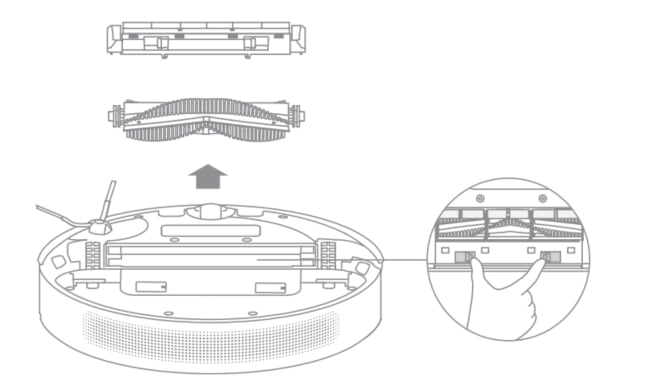
2026-9-2 05:12
US
Translate |
|
© 2026 Dreame Forum All Rights Reserved | Support by Discuz! X5.0 Font by MiSans